
How to Write a Professional Email to Your Boss
Learn how to craft a clear, respectful, and effective professional email to your boss that gets results and leaves a positive impression.
 Harsh Pare6 steps~15 minPublished May 1, 2026
Materials
- Email client or app
- Notes on the topic you need to address
Before you start
- Basic familiarity with an email client (e.g., Gmail, Outlook)
- Understanding of your workplace's communication culture
Step 1 of 6

Define Your Purpose Before You Write
Before typing a single word, get crystal clear on why you're writing. Ask yourself: What do I need my boss to know, decide, or do? Is this a request, an update, a question, or a follow-up? Having a single, focused purpose keeps your email concise and easy to act on. If you have multiple unrelated topics, consider sending separate emails. Jot down one sentence summarizing your goal — this will guide everything else you write.
If you can't summarize your email's purpose in one sentence, you're not ready to write it yet. Clarify your thoughts first.
Common mistakes
- ×Trying to cover too many topics in one email, which confuses the reader.
- ×Writing before knowing what response or action you need.
Step 2 of 6
Write a Clear, Specific Subject Line
The subject line is the first thing your boss sees — it determines whether your email gets opened promptly or ignored. Keep it short (5–8 words), specific, and action-oriented. Good examples: • 'Request: Approval for Q3 Budget Proposal' • 'Update: Project Alpha Launch Timeline' • 'Question: PTO Request for Aug 14–18' Avoid vague subjects like 'Hi' or 'Important' — they don't give your boss any context and can come across as unprofessional.
Starting your subject line with a keyword like 'Request:', 'Update:', 'Action Needed:', or 'FYI:' helps your boss instantly understand what's expected of them.
Common mistakes
- ×Using vague or generic subject lines like 'Hey' or 'Quick question'.
- ×Writing an overly long subject line that gets cut off in the inbox preview.
Step 3 of 6
Open with a Professional Greeting
Start your email with an appropriate salutation. The right greeting depends on your workplace culture and your relationship with your boss. • Formal: 'Dear Mr./Ms. [Last Name],' — use this in conservative or formal environments. • Semi-formal: 'Hi [First Name],' — suitable for most modern workplaces. • Avoid: 'Hey,' or no greeting at all — these can seem too casual or abrupt. If you're unsure, lean toward slightly more formal. It's always easier to relax your tone over time than to recover from seeming disrespectful.
Common mistakes
- ×Using overly casual greetings like 'Hey' in a formal workplace.
- ×Misspelling your boss's name — always double-check.
Step 4 of 6
Write a Concise and Structured Body
The body of your email should be easy to read and get to the point quickly. Follow this structure: 1. Opening sentence – State your purpose immediately. E.g., 'I'm writing to request approval for...' or 'I wanted to update you on...' 2. Context or details – Provide only the background information your boss needs. Keep it brief — 2 to 4 sentences max. 3. Call to action – Clearly state what you need from them. E.g., 'Could you please review and approve by Friday?' or 'Please let me know if you have any questions.' Use short paragraphs, bullet points for lists, and bold text sparingly to highlight key information. Avoid large walls of text.
Read your email out loud before sending. If it sounds awkward or too long, trim it down. Aim for emails your boss can read in under 30 seconds.
- If If your message involves sensitive or complex information, do Consider requesting a meeting instead of trying to explain everything via email..
- If If you need a specific response by a deadline, do Clearly state the deadline in the body, e.g., 'I'd appreciate your feedback by end of day Thursday.'.
Common mistakes
- ×Burying the main point at the end of a long paragraph.
- ×Including unnecessary background information that your boss doesn't need.
- ×Forgetting to include a clear call to action.
Step 5 of 6
Use the Right Tone Throughout
Tone is everything in a professional email. You want to come across as respectful, confident, and collaborative — not demanding, overly apologetic, or too casual. Tips for the right tone: • Be direct but polite: 'Could you please...' instead of 'I need you to...' • Avoid excessive hedging: 'I was just wondering if maybe...' sounds unsure. Own your request. • Don't over-apologize: Saying 'Sorry to bother you' repeatedly undermines your message. • Stay positive and solution-focused, especially when raising a problem. • Reread your email and ask: 'Would I be comfortable if a colleague read this?' If yes, you're good.
If you're writing while frustrated or upset, draft the email but wait at least 30 minutes before sending. Emotions can easily bleed into your word choices.
Common mistakes
- ×Sounding passive-aggressive or demanding without realizing it.
- ×Over-apologizing, which can undermine your credibility.
- ×Using all caps or excessive exclamation marks.
Step 6 of 6
Close Professionally and Proofread Before Sending
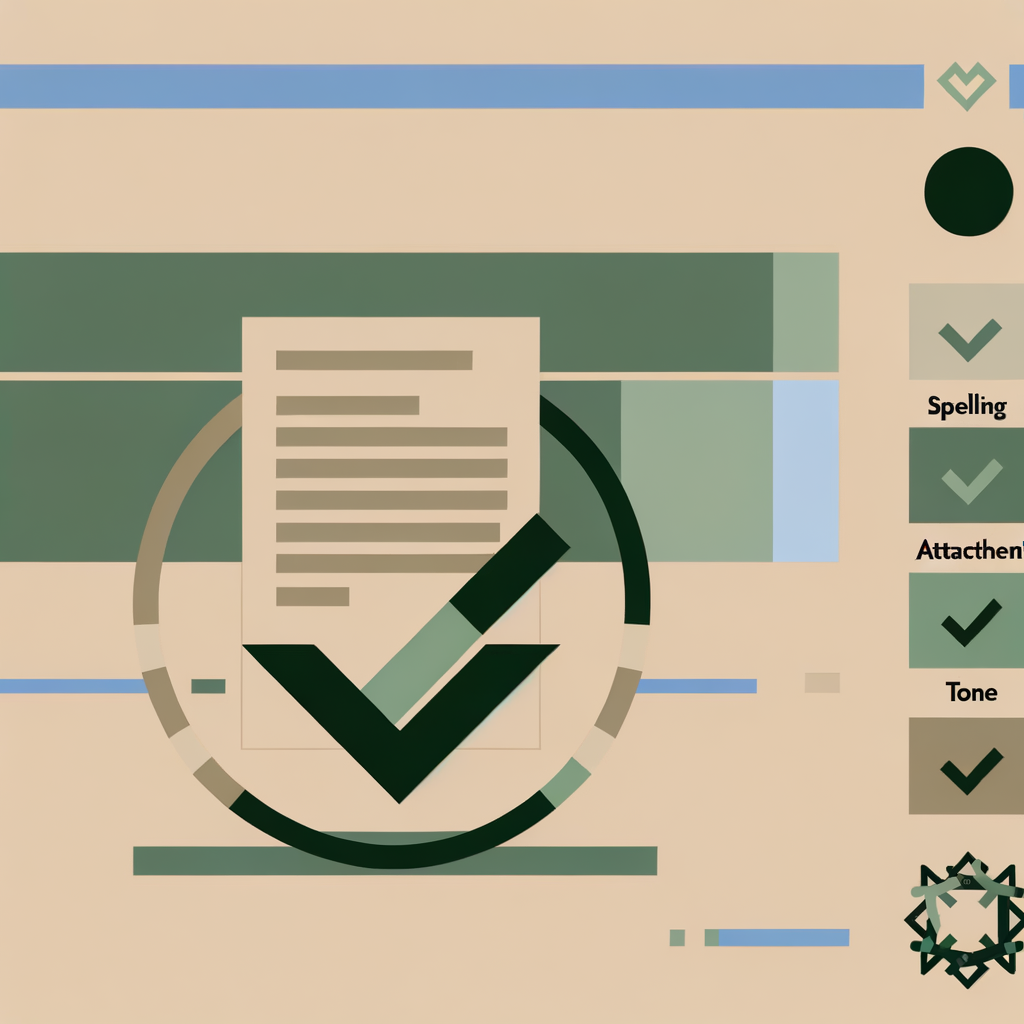
End your email with a courteous closing line and a professional sign-off. Closing lines: • 'Thank you for your time and guidance.' • 'I look forward to hearing from you.' • 'Please let me know if you need any additional information.' Sign-offs: • 'Best regards,' / 'Kind regards,' — universally professional • 'Thanks,' — acceptable in casual workplaces • Avoid: 'Cheers,' (too casual in formal settings) or no sign-off at all Before hitting send, proofread for: ✅ Spelling and grammar errors ✅ Correct recipient (especially on Reply All) ✅ Attachments mentioned but not attached ✅ Tone — does it sound respectful and clear? ✅ Subject line accuracy A polished, error-free email signals professionalism and respect for your boss's time.
Use your email client's built-in spell checker, but don't rely on it alone — read the email yourself at least once before sending.
Common mistakes
- ×Forgetting to attach a file you referenced in the email.
- ×Accidentally hitting 'Reply All' when only your boss should receive the message.
- ×Skipping proofreading and sending an email with typos or unclear sentences.
Sources
Generated from model knowledge — verify any factual claims independently.