
How to Apply for a Passport in India for the First Time
Learn how to successfully apply for your first Indian passport — from registering on the Passport Seva portal to attending your appointment and receiving your passport at home.
Materials
- Aadhaar Card (original + self-attested photocopy)
- Proof of Date of Birth (Birth Certificate / School Leaving Certificate / Matriculation Certificate)
- Proof of Address (Aadhaar / Voter ID / Utility Bill / Bank Passbook)
- Proof of Identity (PAN Card / Voter ID / Driving Licence)
- Recent passport-size photographs (white background, 3.5 cm x 3.5 cm)
- Application fee (₹1,500 for normal; ₹3,500 for Tatkaal)
- Laptop or smartphone with internet access
Before you start
- Must be an Indian citizen
- Must have a valid Aadhaar card or other accepted identity proof
- Must have an active email address and mobile number for registration
Step 1 of 7
Register on the Passport Seva Online Portal
Visit the official Passport Seva portal at passportindia.gov.in. Click on 'New User? Register Now' to create a free account. Fill in your details: name, date of birth, email address, login ID, and password. Select the Passport Seva Kendra (PSK) or Post Office PSK (POPSK) nearest to your city. Verify your email address by clicking the link sent to your inbox. Once verified, log in with your new credentials.
Choose a PSK or POPSK in your city of residence to ensure a smooth police verification process later.
Common mistakes
- ×Registering on unofficial or look-alike websites instead of passportindia.gov.in.
- ×Entering a wrong date of birth — this cannot be changed easily after submission.
- ×Not verifying the email address, which blocks login access.
Step 2 of 7
Fill Out the Online Application Form (Form-1)
After logging in, click on 'Apply for Fresh Passport/Re-issue of Passport'. Select 'Fresh Passport' and choose the booklet type — 36 pages (standard) or 60 pages (for frequent travellers). Select the scheme: 'Normal' (takes 30–45 days) or 'Tatkaal' (takes 7–14 days, higher fee). Carefully fill in all personal details: full name, date of birth, place of birth, parent/guardian details, address, and emergency contact. Review all entries thoroughly before submitting, as errors can cause delays.
Use the 'Save My Details' option periodically while filling the form to avoid losing progress due to session timeouts.
- If If you need the passport urgently (within 2 weeks), do Select the 'Tatkaal' scheme and prepare additional documents like an Annexure F (self-declaration) and a verifiable non-ECR document..
- If If you are a frequent international traveller, do Select the 60-page booklet for more visa stamp space..
Common mistakes
- ×Choosing 'Tatkaal' without understanding it requires additional supporting documents.
- ×Entering name differently from Aadhaar — always match exactly with your Aadhaar card.
- ×Leaving optional fields blank that may be required for police verification.
Step 3 of 7
Pay the Application Fee Online
After submitting the form, you will be directed to the payment page. Pay the applicable fee online using Net Banking, Credit/Debit Card, or UPI. Fee structure: ₹1,500 for a 36-page Normal passport, ₹2,000 for a 60-page Normal passport, ₹3,500 for Tatkaal (36-page), and ₹4,000 for Tatkaal (60-page). After successful payment, you will receive an Application Reference Number (ARN) — save this carefully. Payment is non-refundable.
Take a screenshot or print the payment confirmation page as proof in case of any discrepancy.
Common mistakes
- ×Closing the browser before the payment confirmation page loads, causing a failed transaction.
- ×Not noting down the ARN after payment.
Step 4 of 7
Book an Appointment at a PSK or POPSK
After payment, go to 'Schedule Appointment' in your portal dashboard. Select your nearest Passport Seva Kendra (PSK) or Post Office Passport Seva Kendra (POPSK). Choose a convenient date and time slot from the available calendar. Confirm the appointment — you will receive an SMS and email with the appointment details. Download and print the Application Receipt (which contains your ARN and appointment details) — you must bring this to your appointment.
POPSK appointments are often easier to get and have shorter queues than major city PSKs — consider one if available near you.
- If If no slots are available at your nearest PSK, do Check nearby POPSK centres or check back daily as new slots are released regularly, often early in the morning..
Common mistakes
- ×Not printing the appointment receipt before visiting the PSK.
- ×Booking an appointment at a PSK far from your residential address, which complicates police verification.
Step 5 of 7
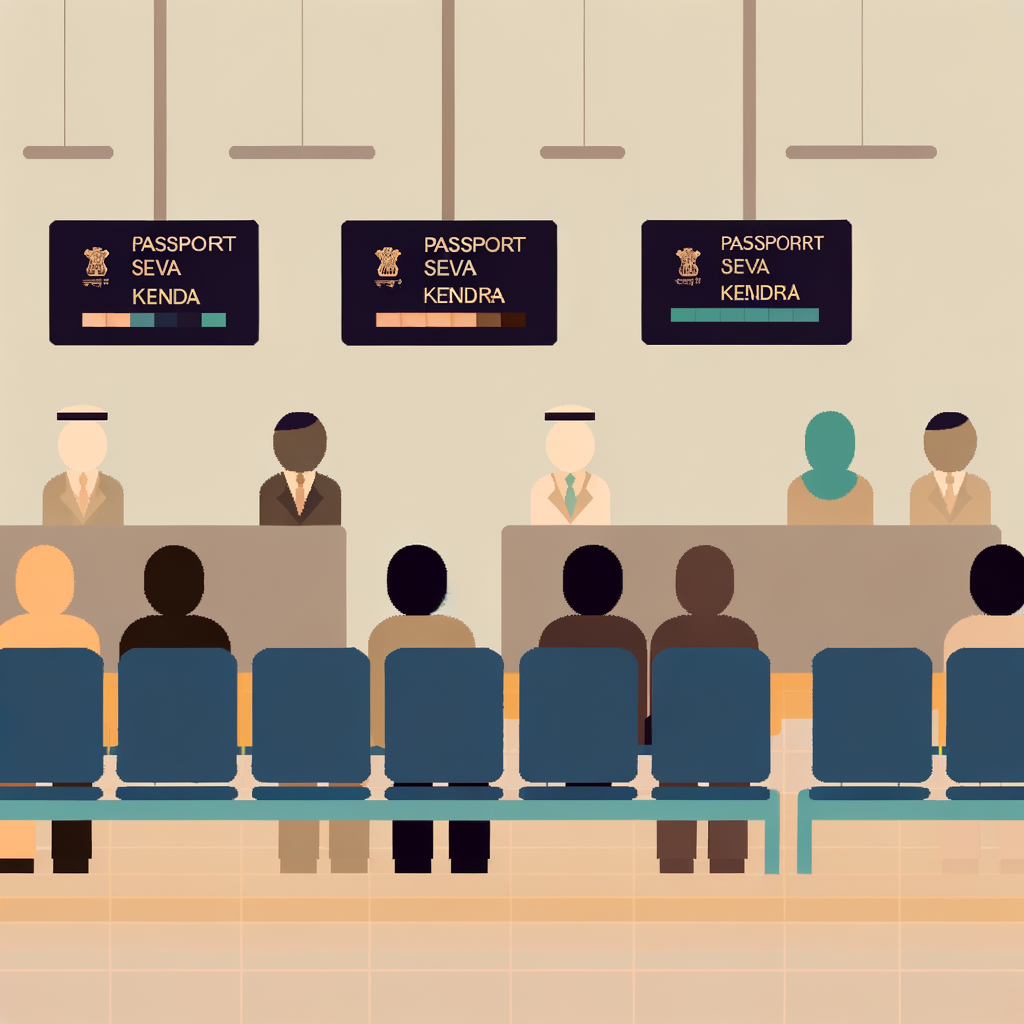
Visit the PSK/POPSK on Appointment Day
Arrive at the PSK or POPSK at least 15–20 minutes before your scheduled appointment time. Carry the following originals AND self-attested photocopies: Appointment Receipt, Aadhaar Card, Proof of Date of Birth, Proof of Address, Proof of Identity, and passport-size photographs. At the centre, you will go through three counters: Counter A (Document Verification), Counter B (Document Verification & Data Entry), and Counter C (Supervisor/Granting). At Counter C, the officer will either grant or defer your application. If granted, you will receive a printed acknowledgement slip.
Arrange your documents in the order they will be asked — Appointment Receipt on top, followed by Aadhaar, DOB proof, address proof, and photographs.
Common mistakes
- ×Bringing only photocopies without original documents — originals are mandatory for verification.
- ×Forgetting to self-attest photocopies (sign on each copy with date).
- ×Arriving late and missing the appointment slot.
Step 6 of 7
Track Police Verification and Application Status
After your PSK visit, your application enters the police verification stage. A local police officer will visit your residential address to verify your details — ensure someone is available at home. You can track your application status anytime on the Passport Seva portal under 'Track Application Status' using your File Number (from the acknowledgement slip) or your date of birth. You will also receive SMS updates at each stage of processing.
If the police officer does not visit within 2 weeks, you can contact your local police station with your File Number to expedite the process.
- If If your application status shows 'Pending Police Verification' for more than 3 weeks, do Visit your local police station with your File Number and a copy of your acknowledgement slip to follow up directly..
Common mistakes
- ×Not being available at the registered address during police verification, causing delays.
- ×Providing a temporary address instead of your permanent residential address.
Step 7 of 7
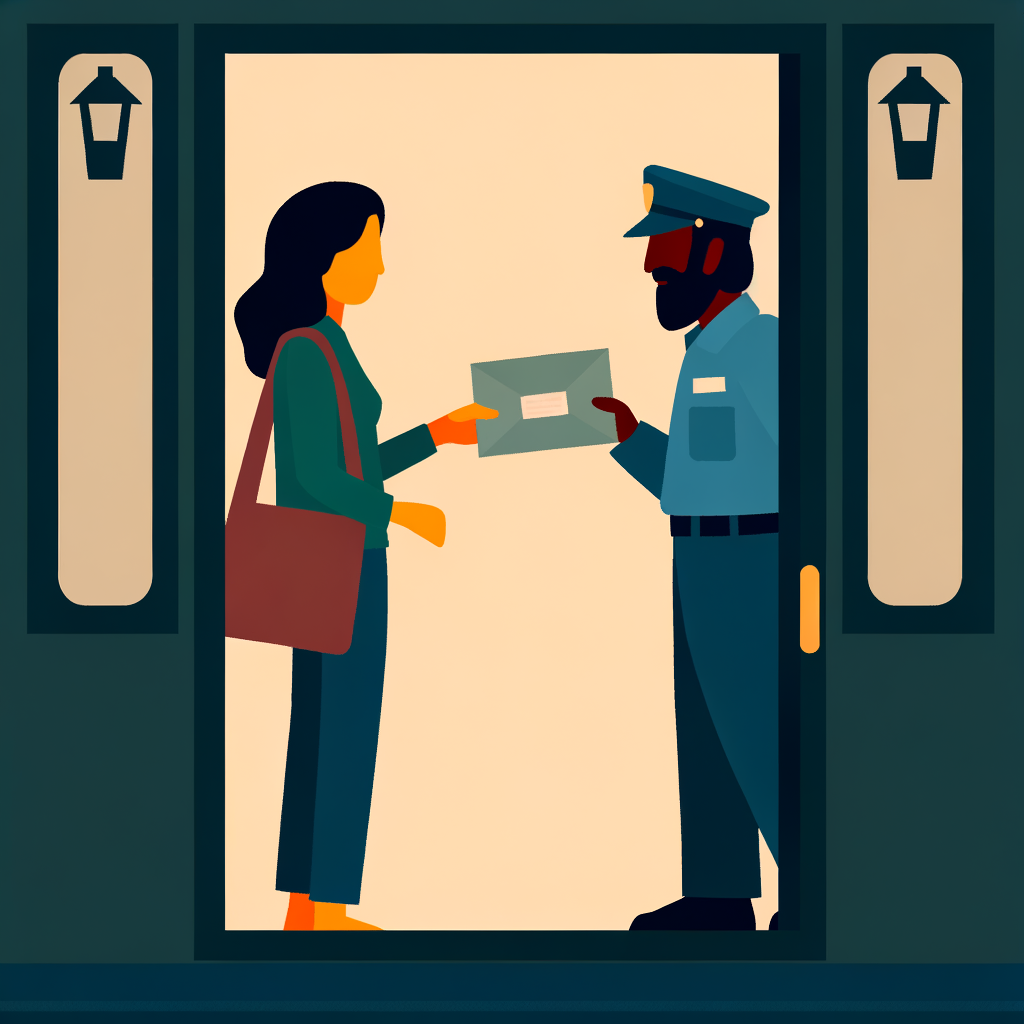
Receive Your Passport via Speed Post
Once police verification is complete and the passport is printed, it is dispatched to your registered address via India Post Speed Post. You will receive an SMS with the Speed Post tracking number. Delivery typically takes 3–7 business days after dispatch. Ensure someone is available at home to receive and sign for the delivery. If delivery is missed, collect it from your nearest post office within the stipulated period using the tracking number and a valid ID proof.
Track your Speed Post delivery at indiapost.gov.in using the tracking number sent via SMS to know the exact delivery date.
Common mistakes
- ×Missing the delivery attempt and not collecting from the post office within the deadline, causing the passport to be returned.
- ×Not keeping the Speed Post tracking number handy.
Sources
Generated from model knowledge — verify any factual claims independently.